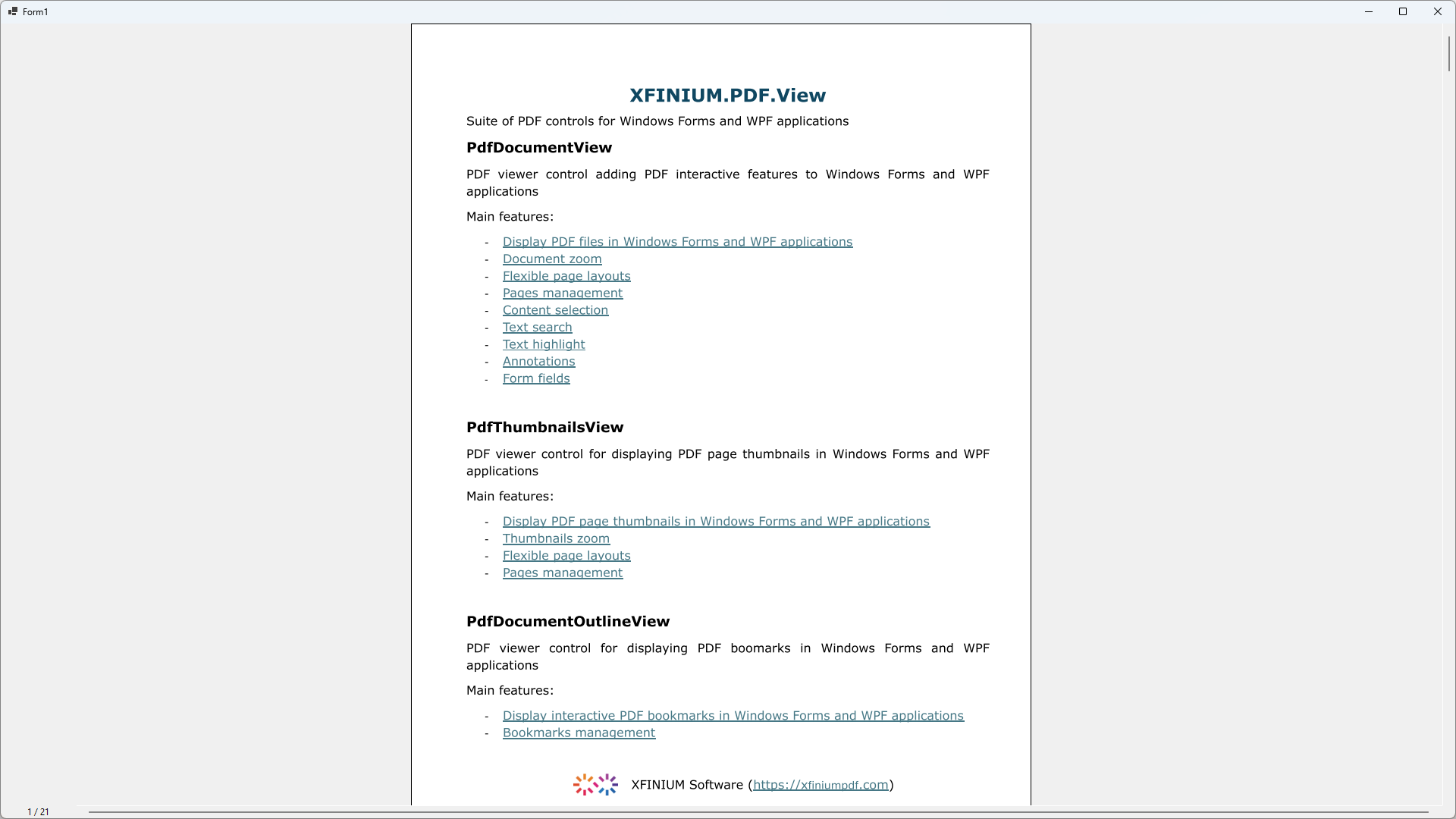
Build a simple PDF viewer application using XFINIUM.PDF.View controls for Windows Forms
-
Install the XFINIUM.PDF.View controls in Visual Studio toolbox
-
Create a new Windows Forms application and open the main form in the Windows Forms designer.
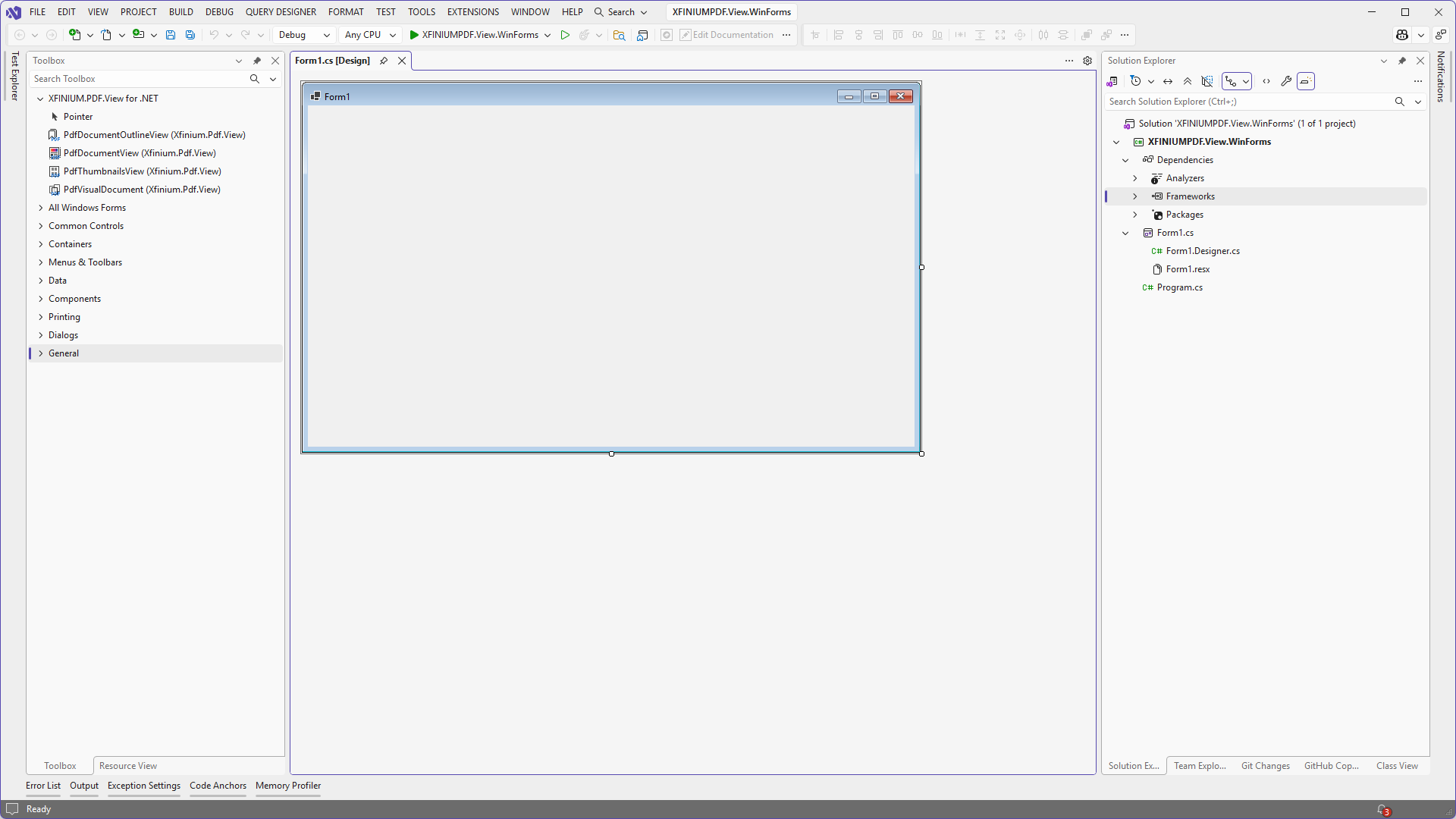
-
Drag a
PdfDocumentViewcontrol and aPdfVisualDocumentcomponent onto the form.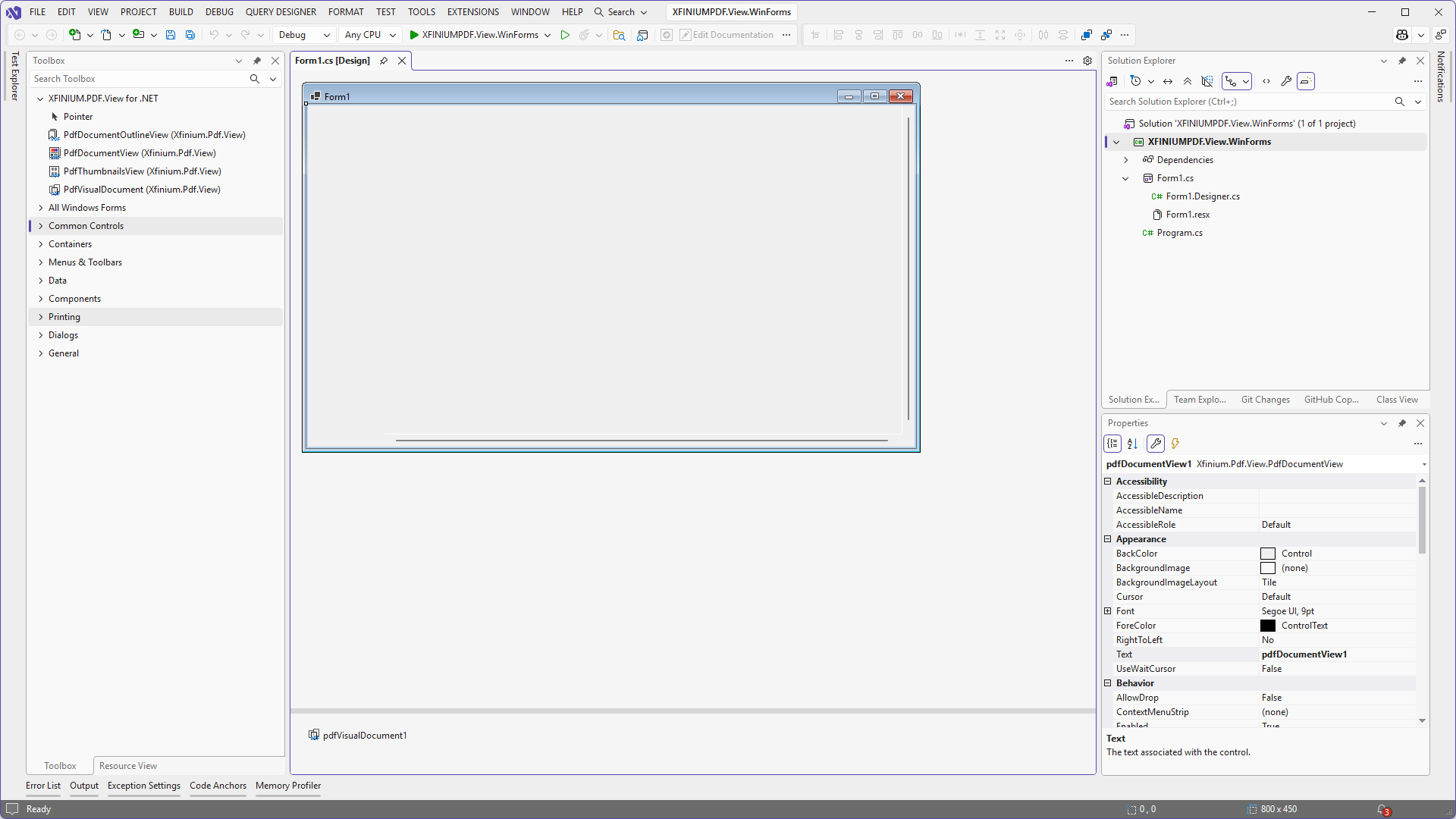
-
Set the
Documentproperty of thePdfDocumentViewcontrol to thePdfVisualDocumentobject added on the form.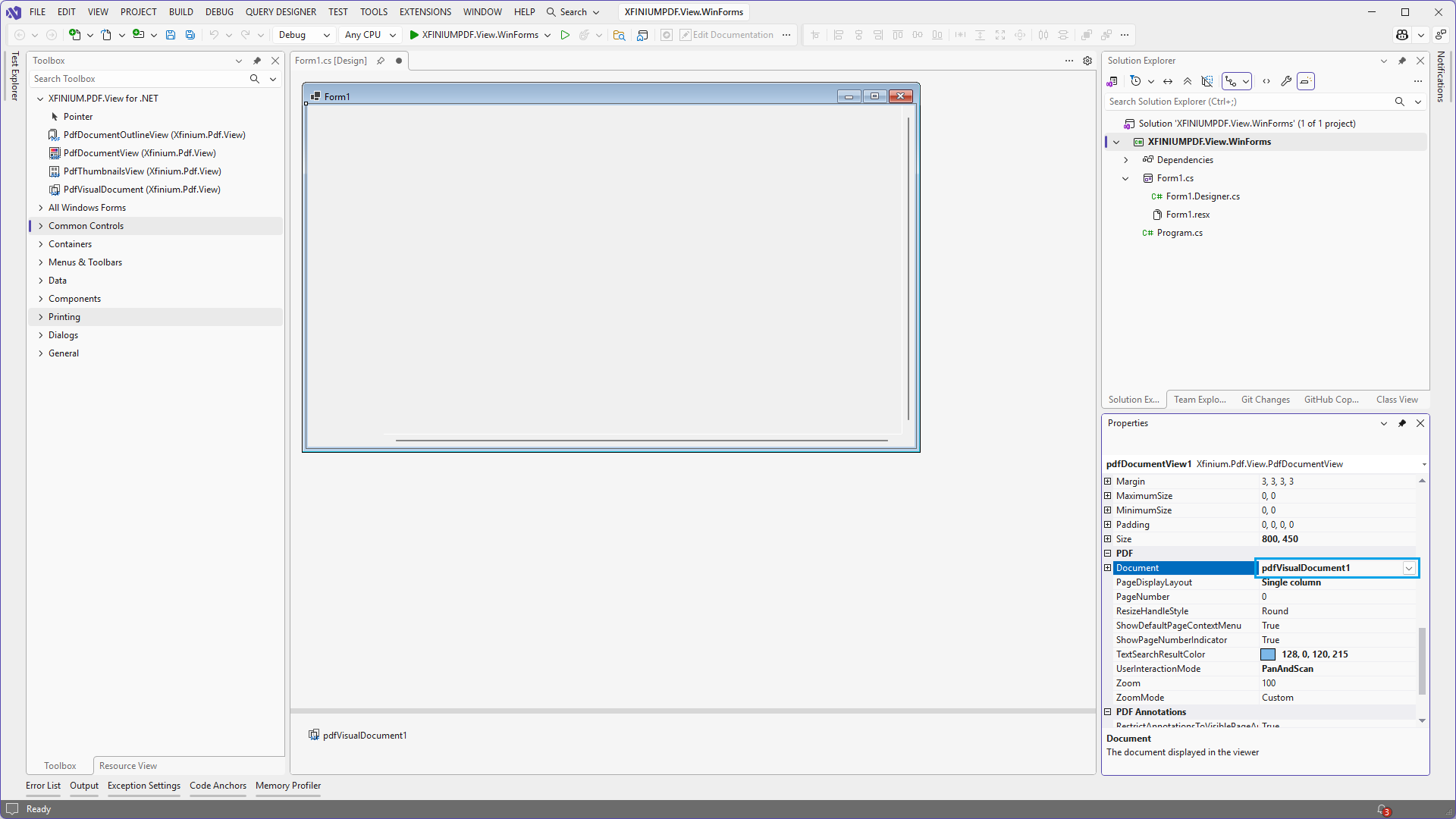
-
In form's
Loadevent add the following code: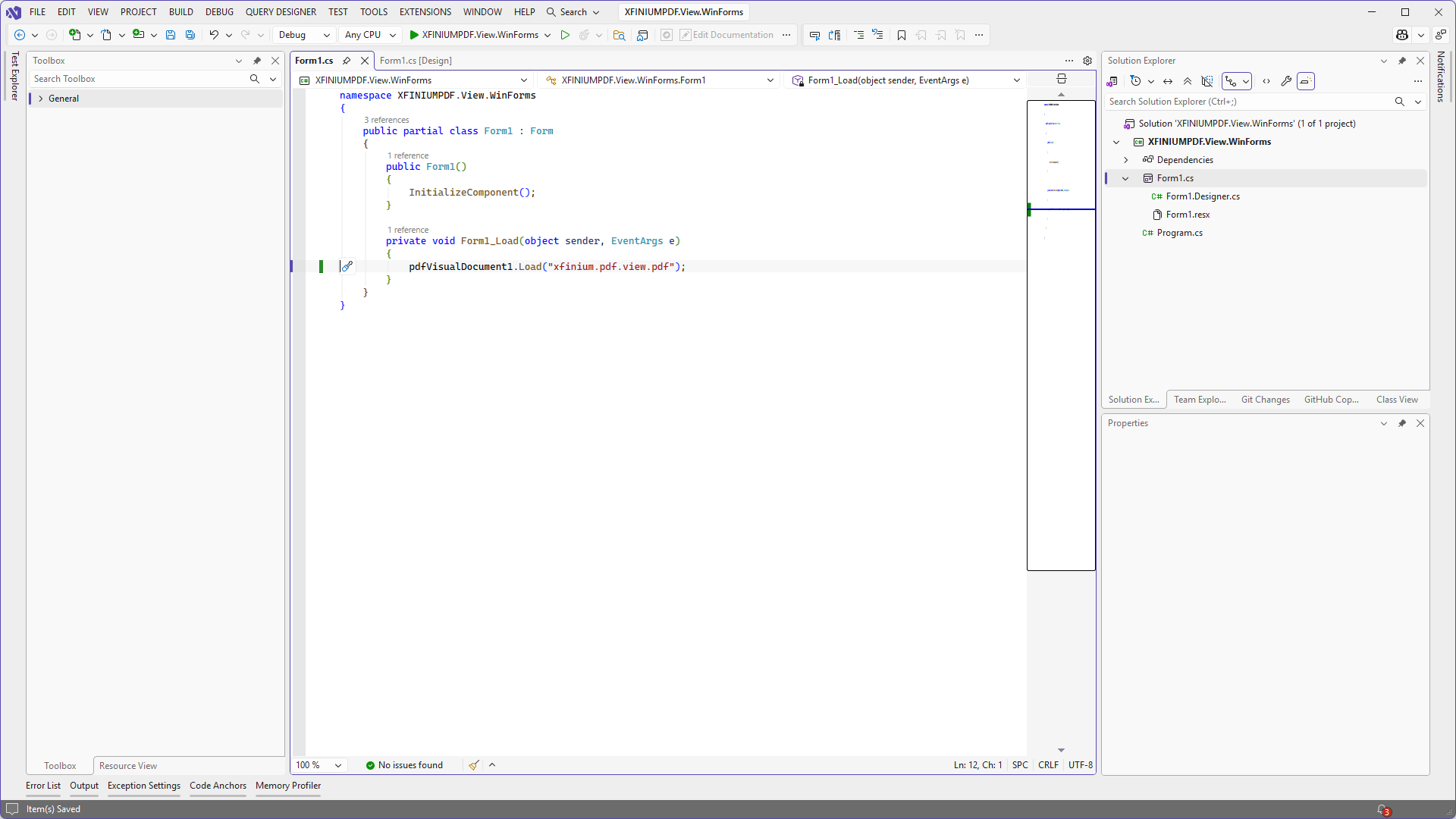
-
Run the application.