How to install the XFINIUM.PDF.View controls for .NET in Visual Studio toolbox
-
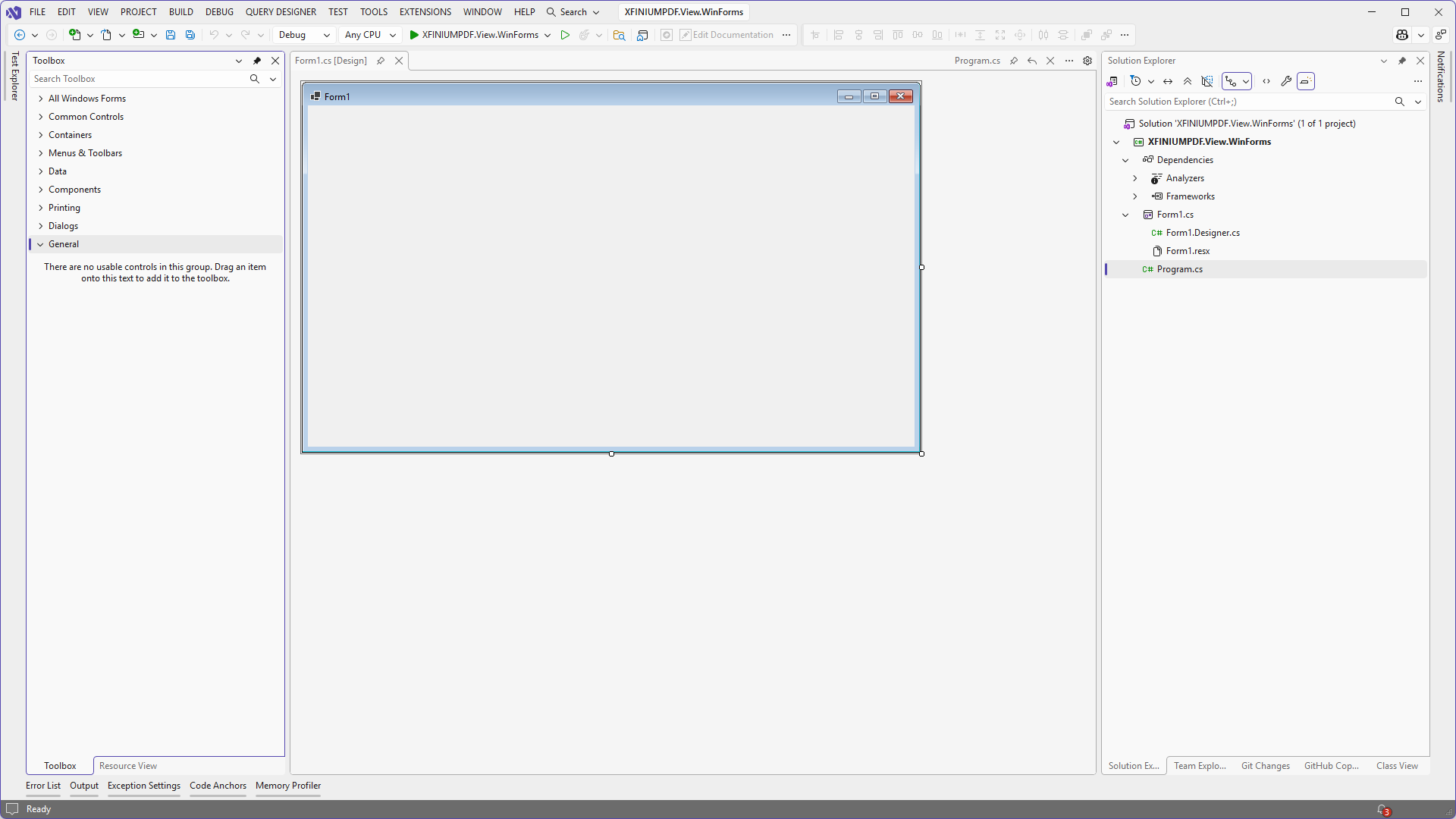
Using Visual Studio create a new .NET Windows Forms application and display its main form (or any other form) in Windows Forms designer so that the toolbox is available.
-
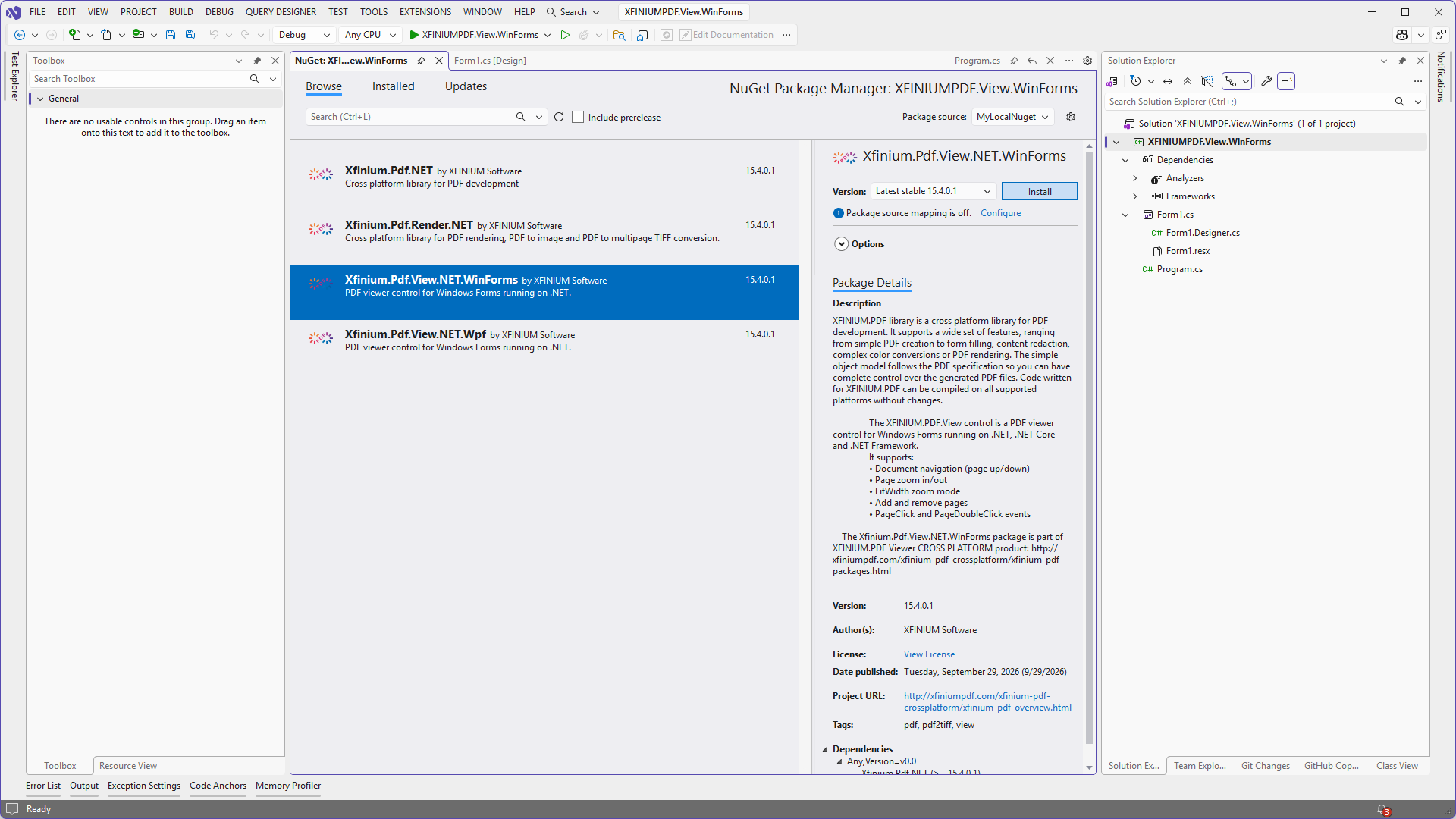
Add a reference to XFINIUM.PDF.View.NET.Win nuget package in your project.
-
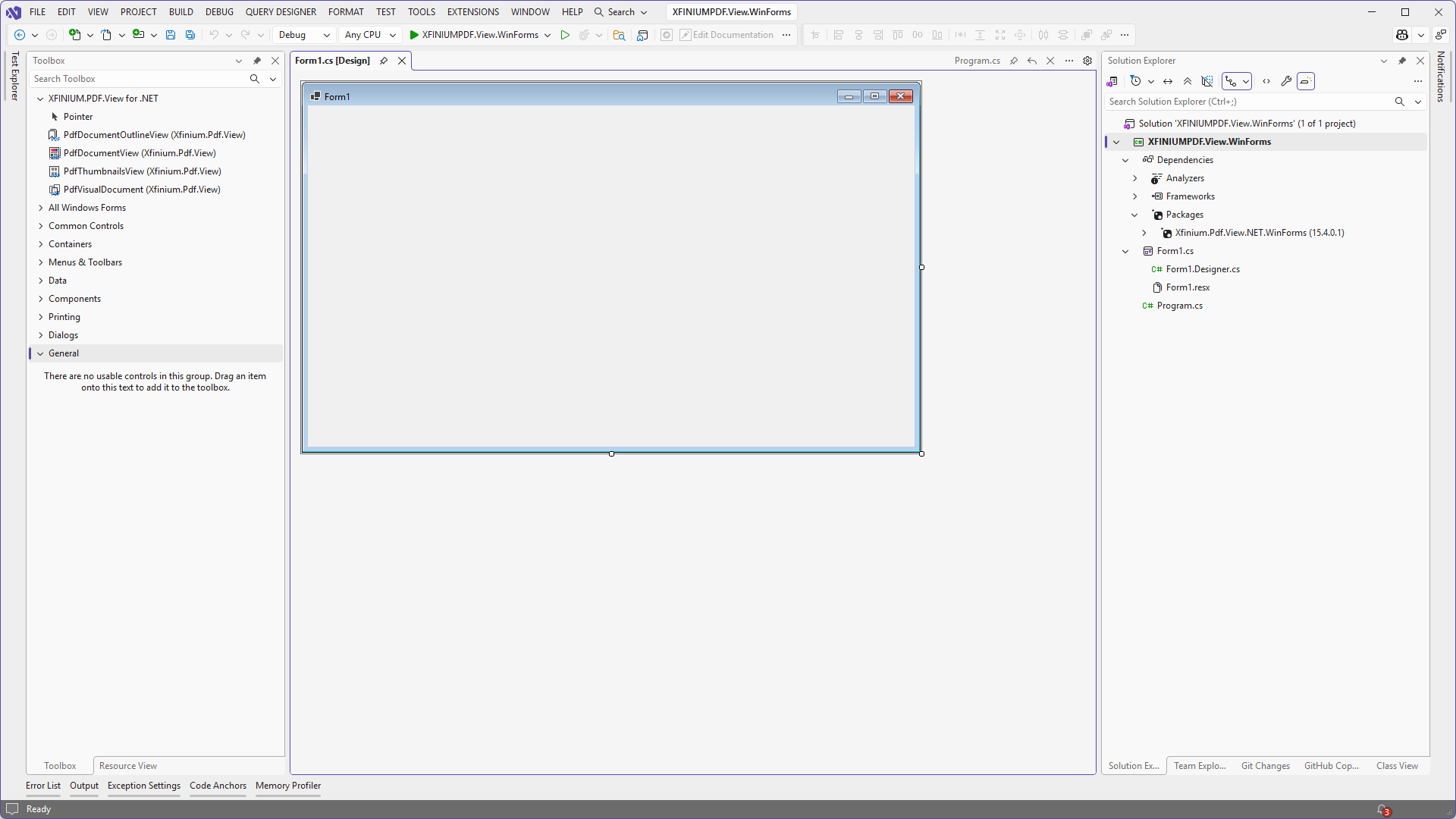
Activate the Windows Forms designer. The toolbox should refresh automatically and the new tab "XFINIUM.PDF.View for .NET" should be displayed. The following PDF viewer controls will be included in this tab:
PdfDocumentView,PdfThumbnailsView,PdfDocumentOutlineView,PdfVisualDocument