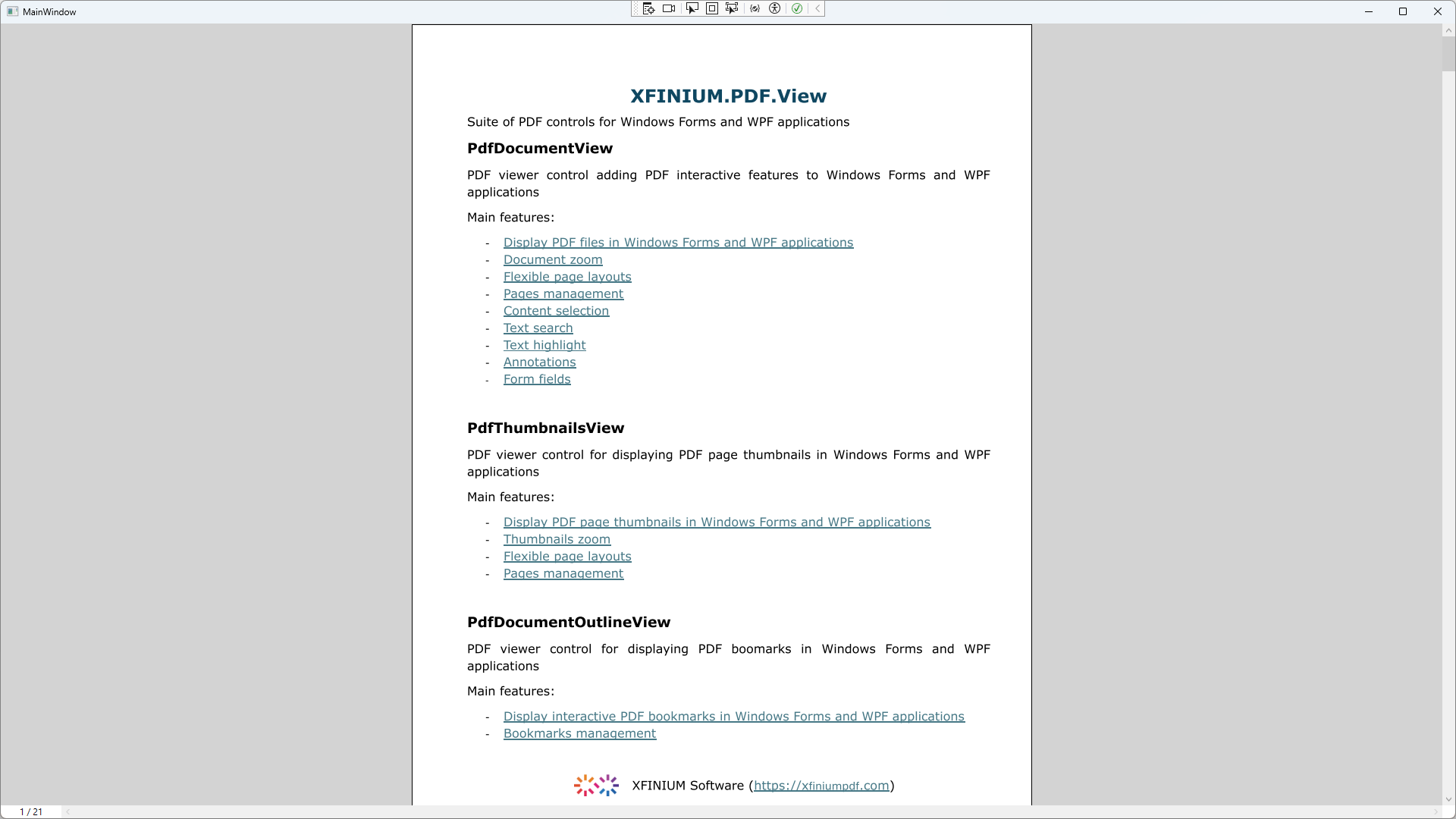
Build a simple PDF viewer application using XFINIUM.PDF.View controls for WPF
-
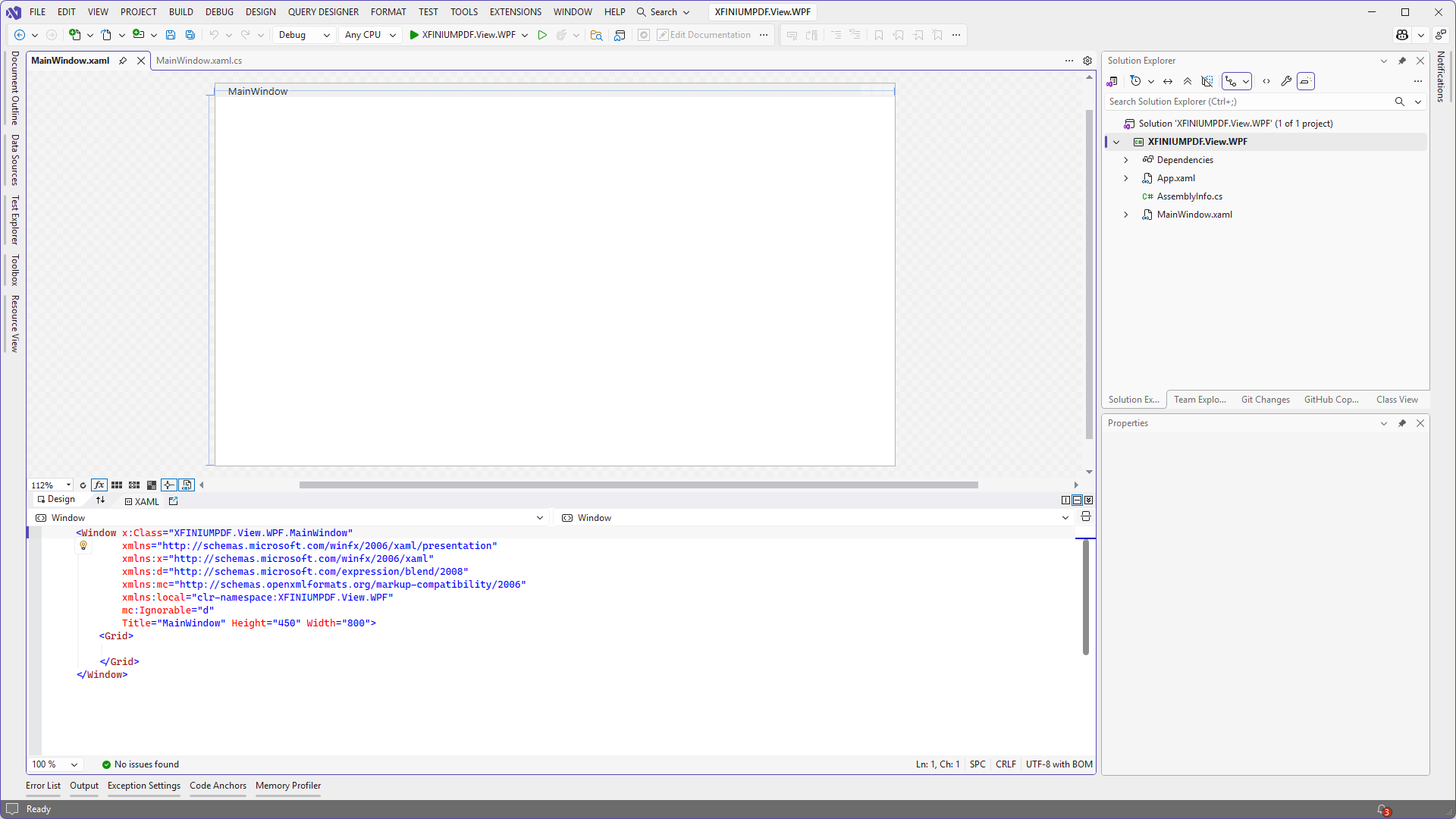
Create a new WPF application and open the main window in the XAML designer.
-
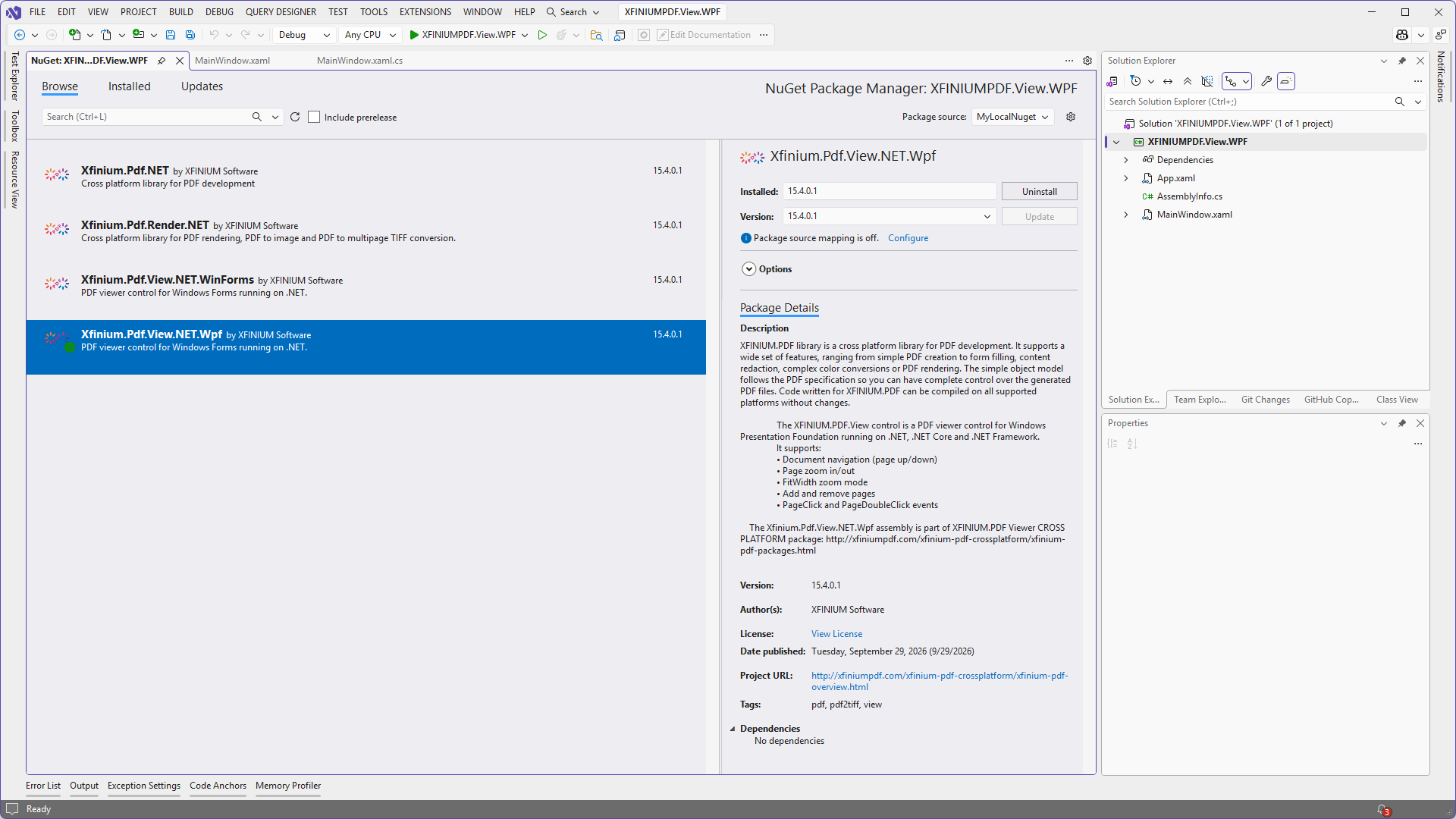
Add a reference to XFINIUM.PDF.View.NET.Wpf nuget package in your project.
-
Add a reference to XFINIUM.PDF.View controls in the application's window:
xmlns:pdfView="clr-namespace:Xfinium.Pdf.View;assembly=XFINIUM.PDF.View.NET.Wpf"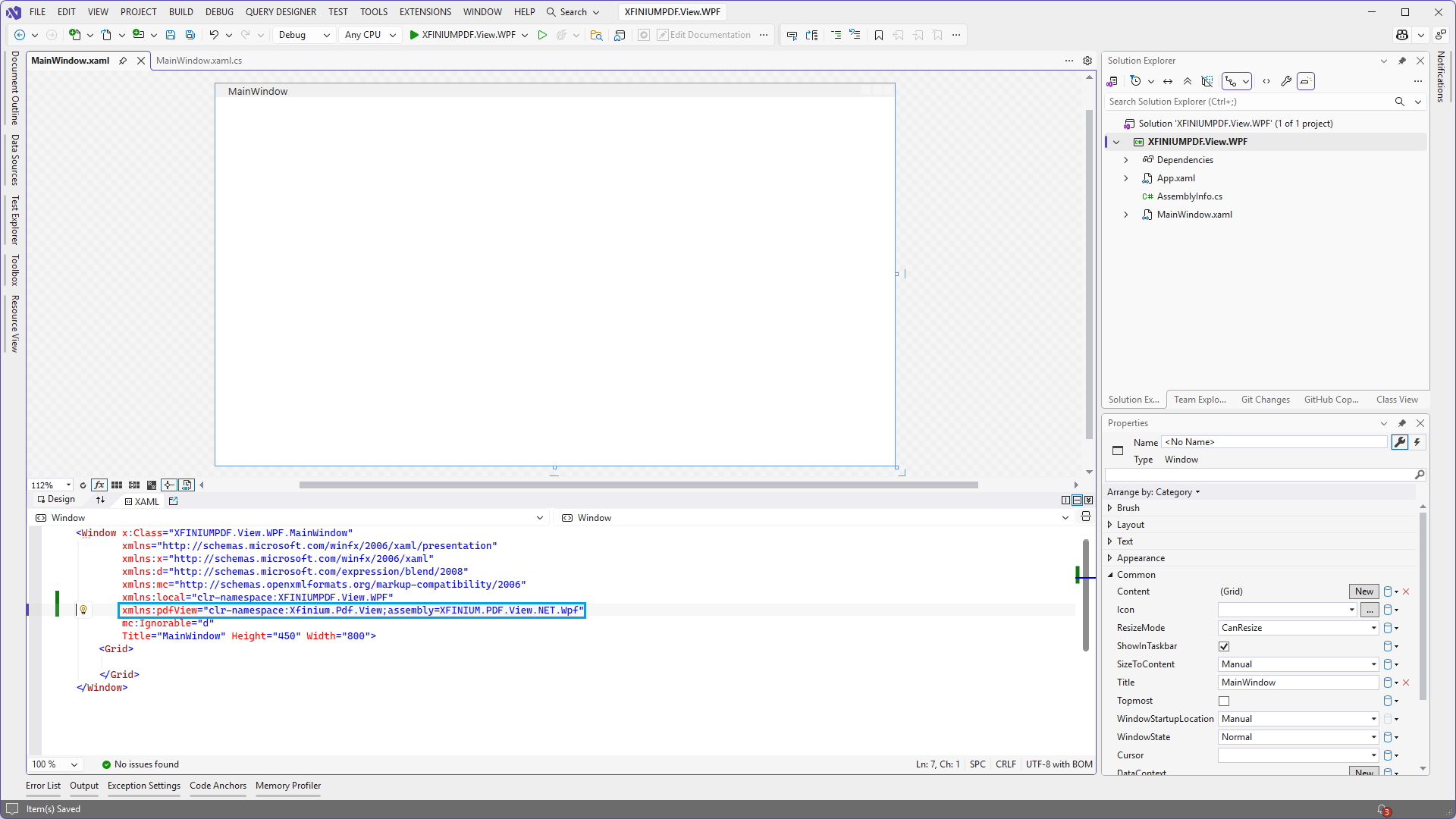
-
Place the
PdfDocumentViewcontrol in the window's grid: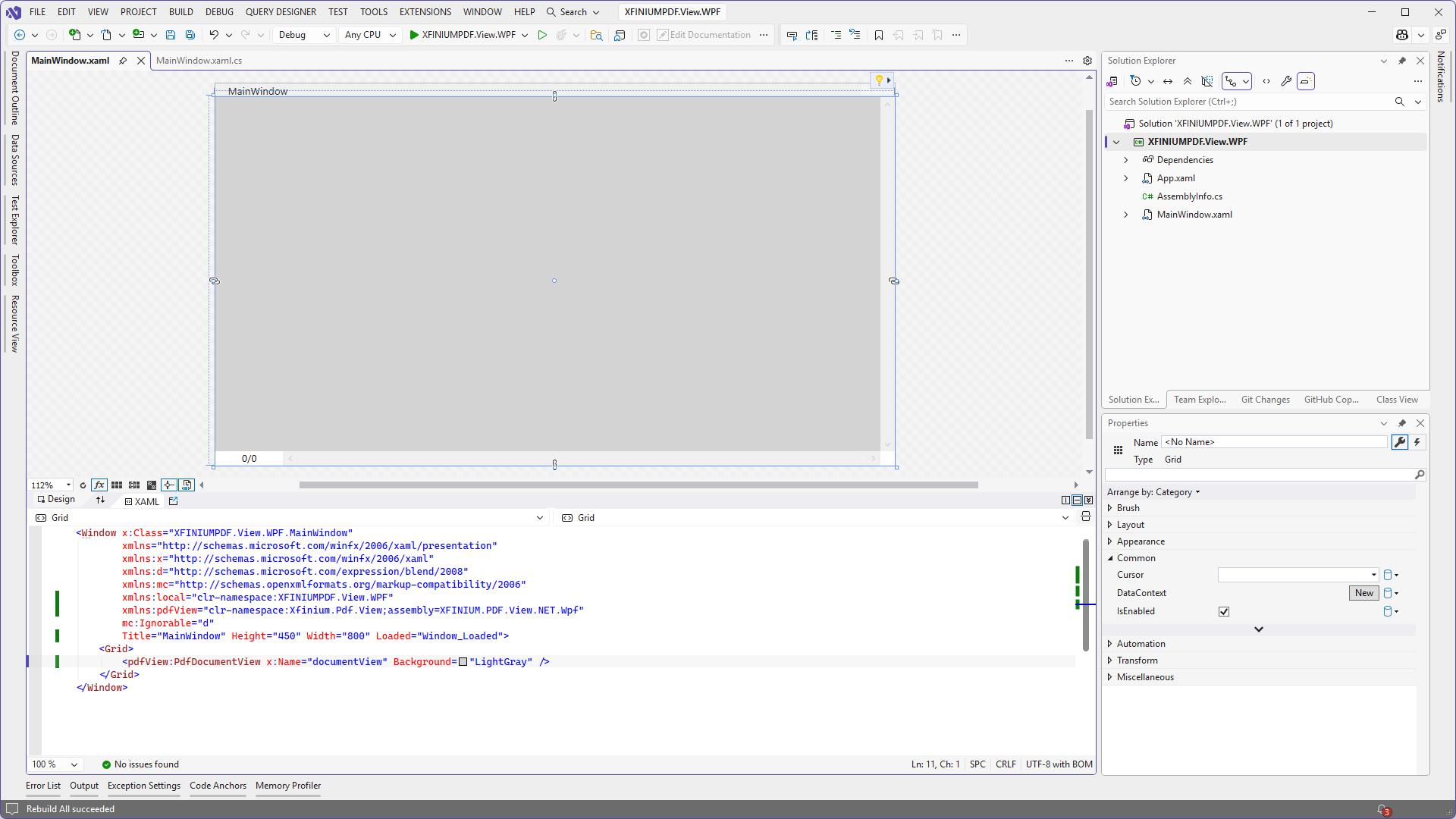
-
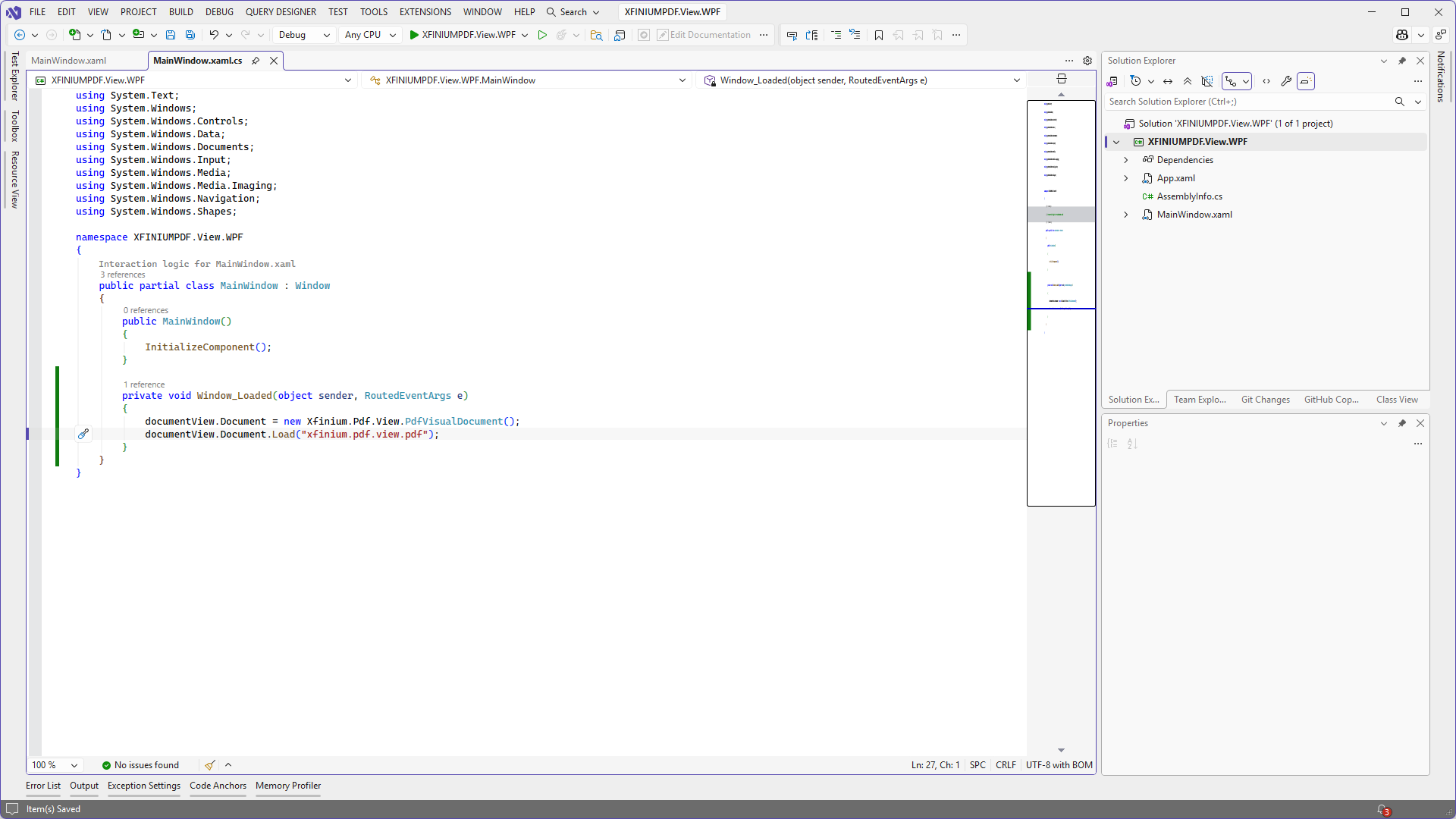
Add the following code in the window's Loaded event.
-
Run the application.