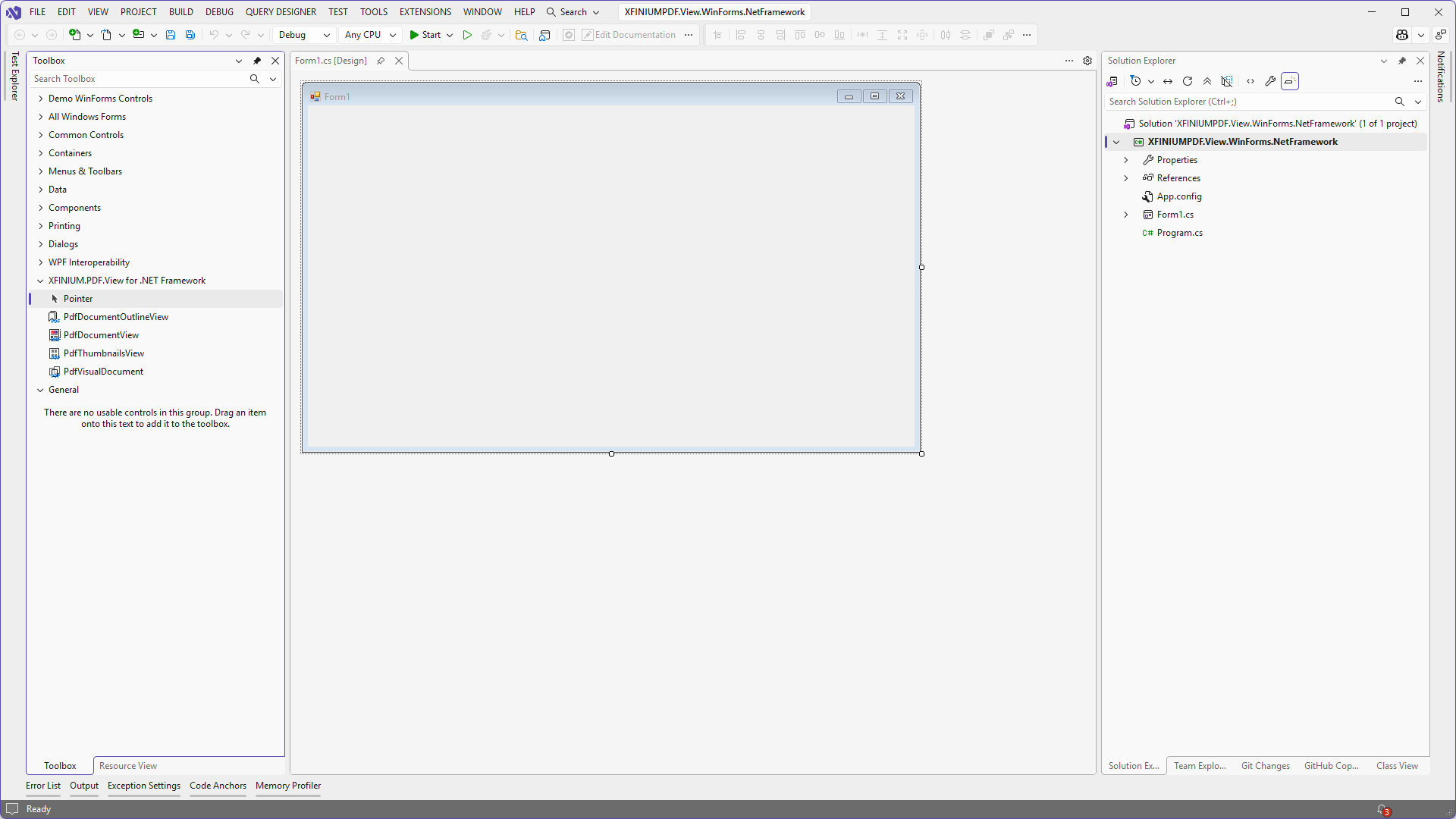
How to install the XFINIUM.PDF.View controls for .NET Framework in Visual Studio toolbox
-
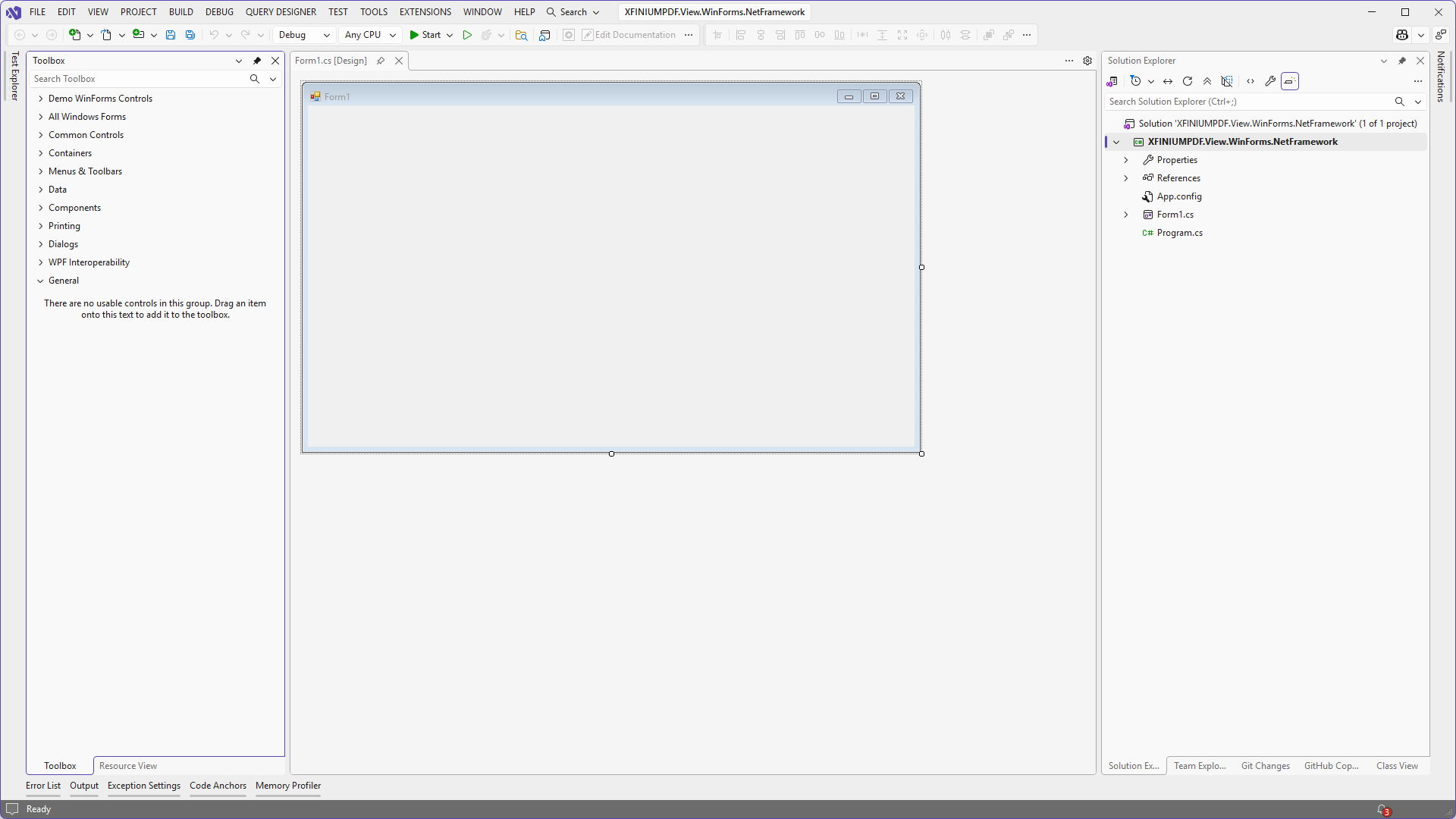
Using Visual Studio create a new Windows Forms application and display its main form (or any other form) in Windows Forms designer so that the toolbox is available.
-
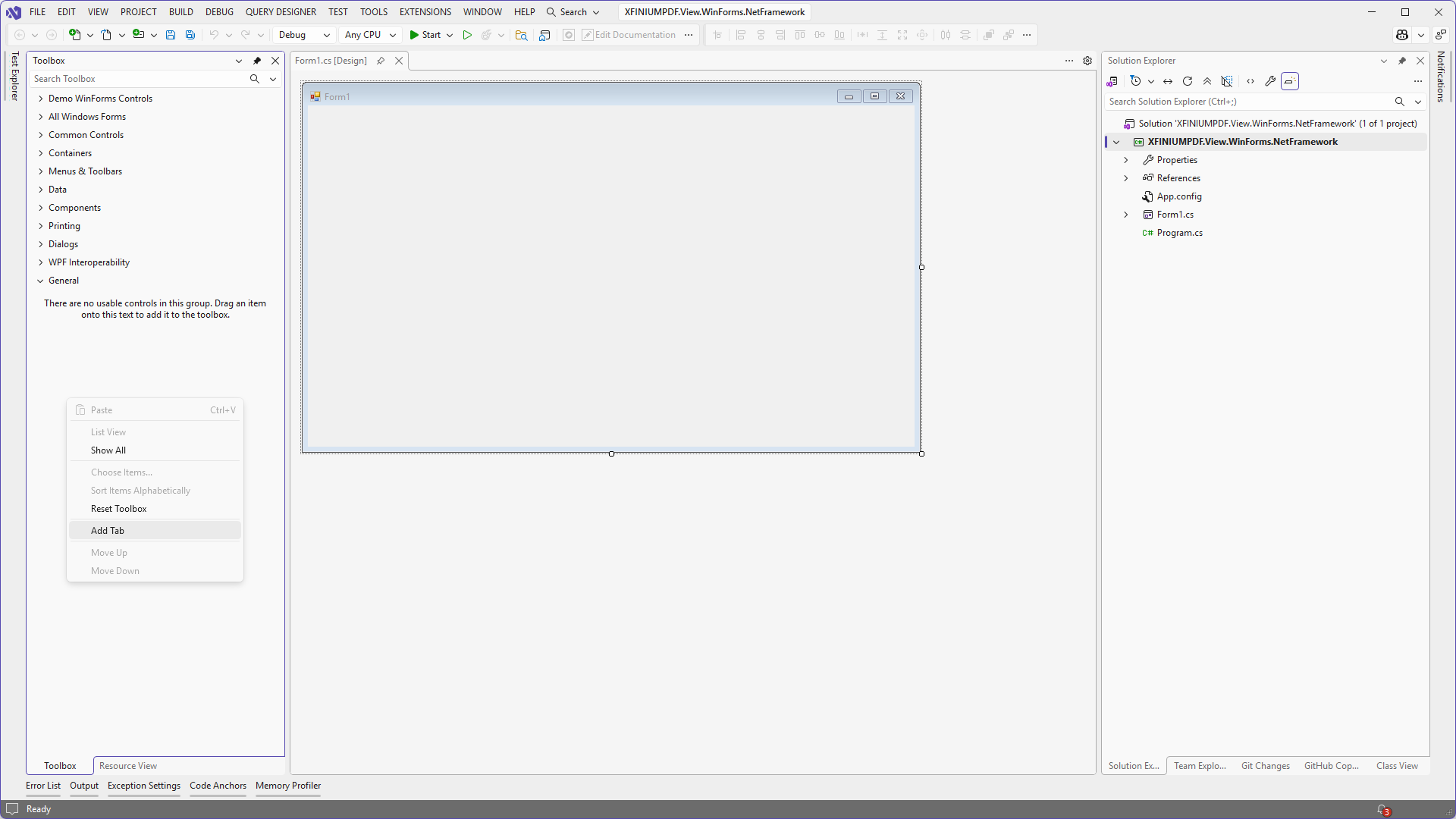
Right click on the toolbox and in the context menu select the "Add tab" item.
-
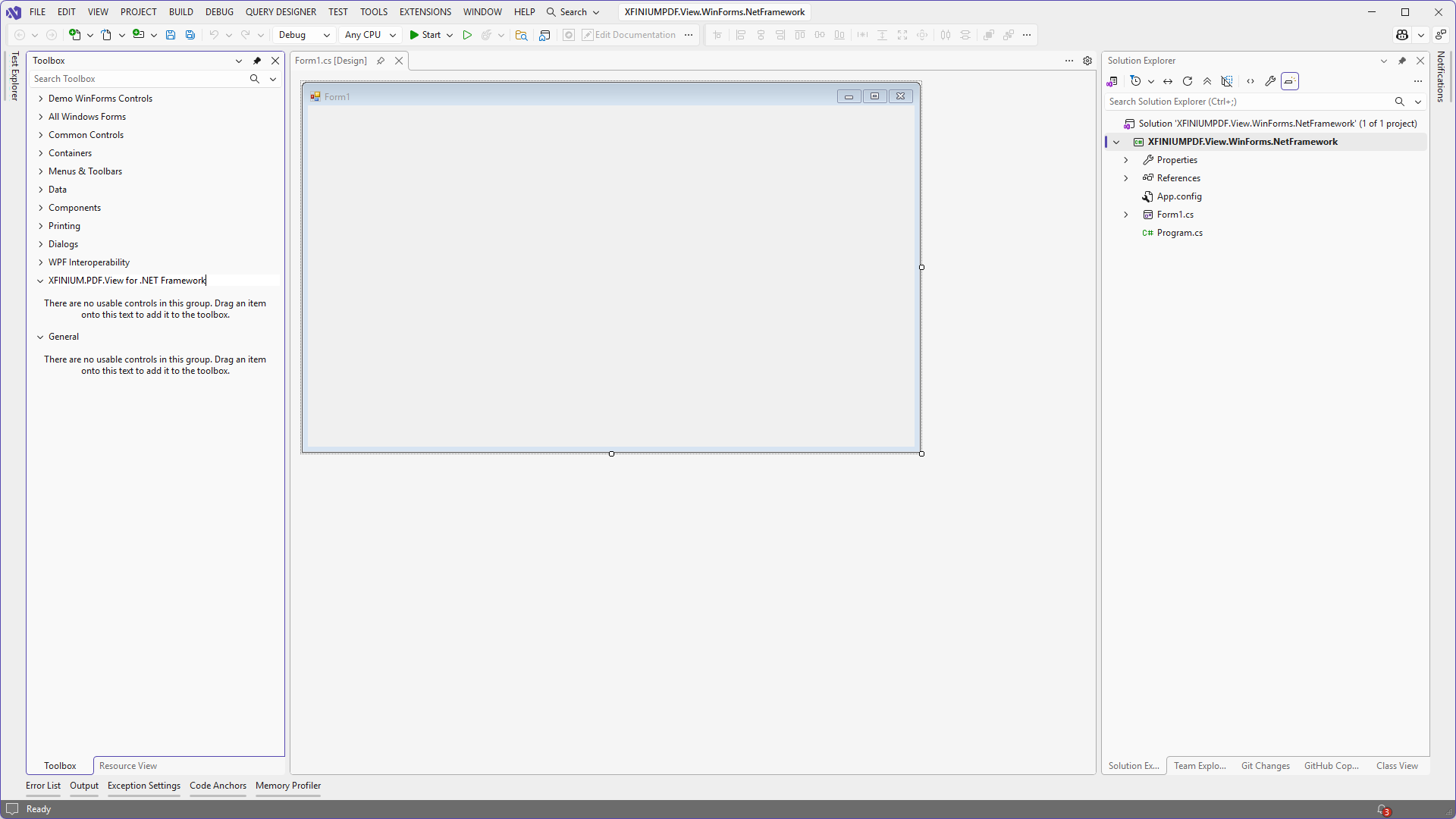
Enter "XFINIUM.PDF.View for .NET Framework" as the header of the new tab.
-
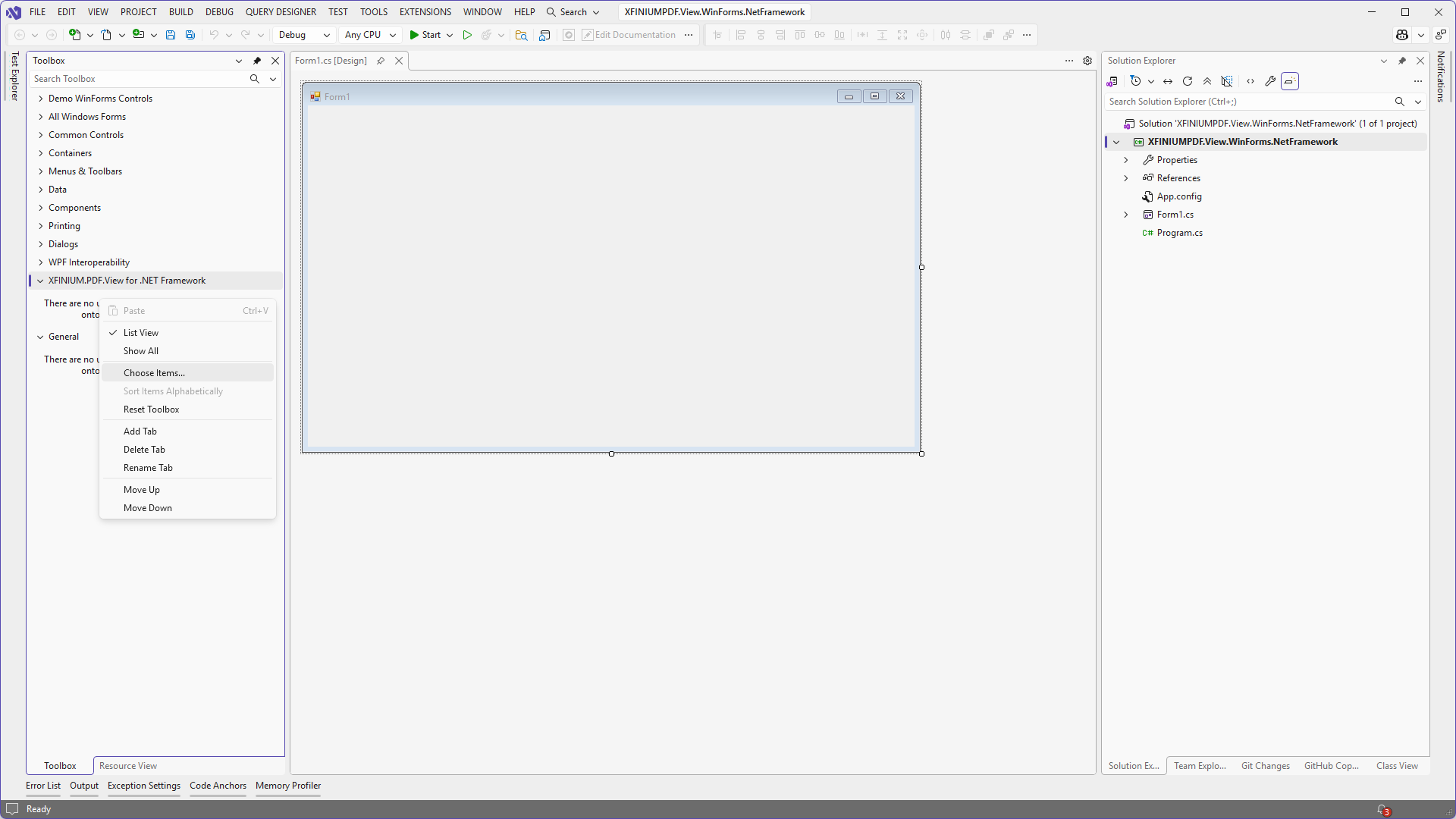
Right click in the empty area of the newly created tab and the context menu select the "Choose items ..." option.
-
In the "Choose Toolbox Items" dialog window select the ".NET Framework Components" tab, click "Browse" and select the XFINIUM.PDF.View.Win.dll assembly. The PDF viewer controls (
PdfDocumentView,PdfThumbnailsView,PdfDocumentOutlineView,PdfVisualDocument) will appear selected in the list.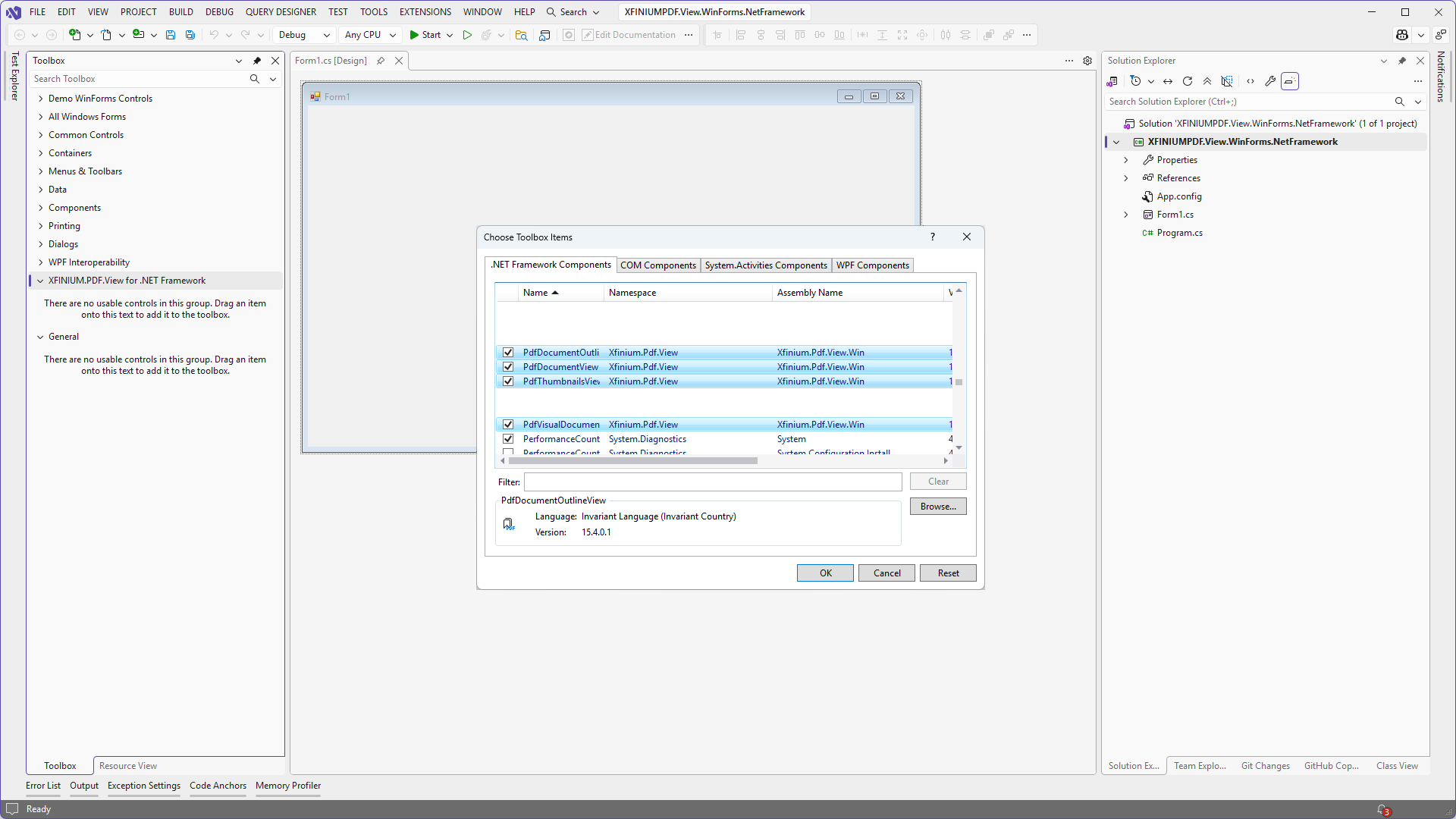
-
Click "OK" and the PDF viewer controls will appear in the toolbox.